KAWO users fall into two categories: Organization Owners and Brand Users.
How to add organization owner(s)?
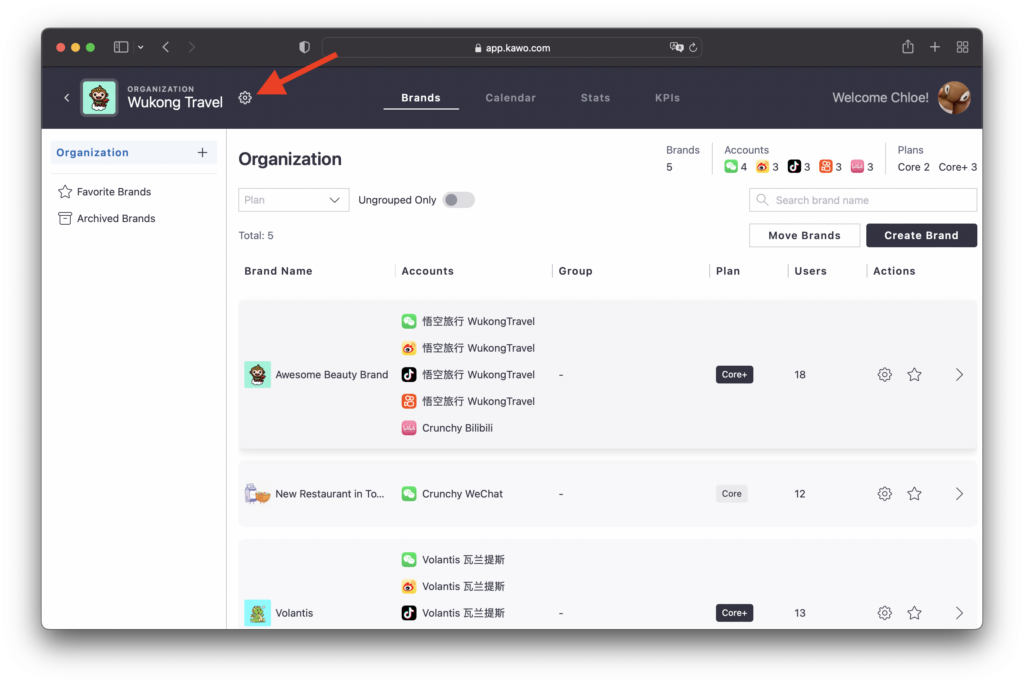
Step one: Click the setting icon ⚙️ upon viewing your organization’s page
Step two: Navigate to the Users, and enter the user’s email address.
Upon invitation, temporary login information will be emailed to the invited users.
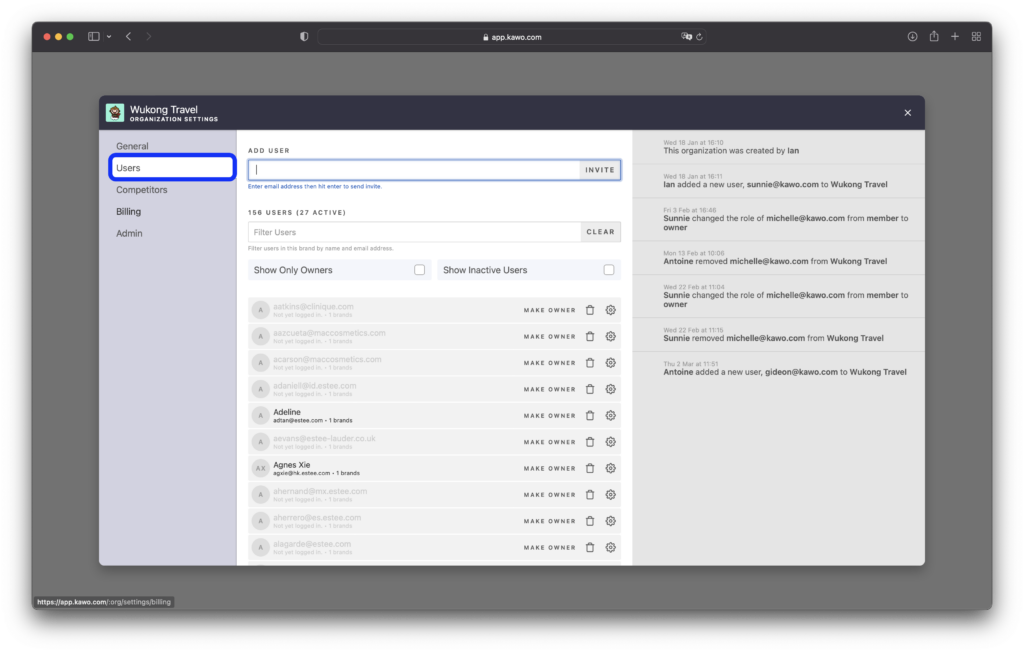
The process of deleting Organization Owners is the same as that of Deleting Brand Users.